 GET
GET
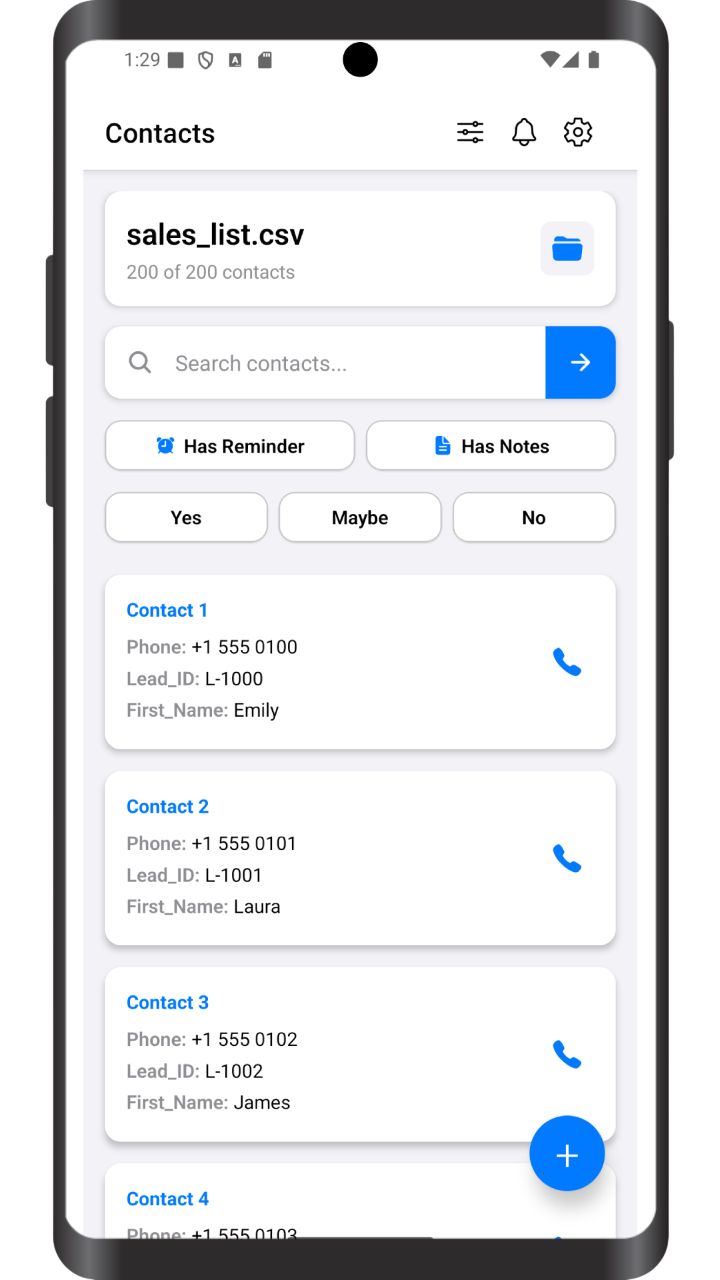
Import CSV → Tap Call → Next Lead Automatically
Call faster. No complicated spreadsheets.

Everything is done locally on your phone. Your data never leaves your device!
Learn more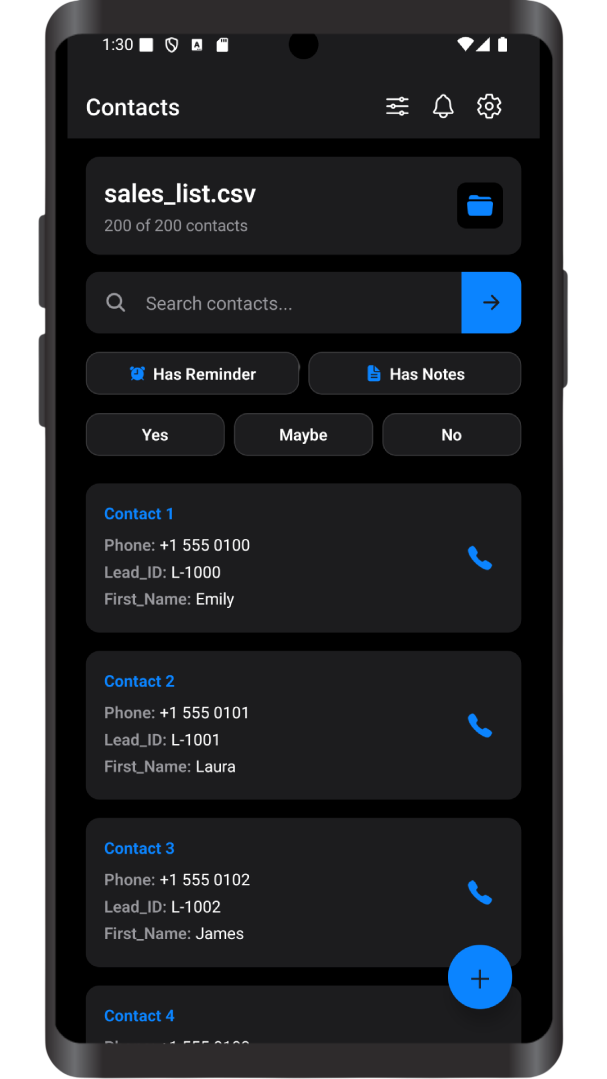
Upload your CSV, XLSX, XLS files, configure your script, and start calling immediately.
Move through your contact list with minimal taps and zero unnecessary steps.
Add notes, mark call results, and track who answered, who didn't, and who needs a follow-up.
Set reminders for callbacks and follow-ups so you never forget to contact a lead.
Quickly move to the next contact after each call and keep your calling sessions focused.
Filter your contacts by call status to focus on who needs attention next.
Everything is done locally on your mobile. Your data never leaves your phone — nothing is uploaded to our servers!
When you import your CSV, XLSX, or XLS files, all contact data is stored directly on your device's local storage. Your files, call notes, and contact information never touch our servers. We don't collect, store, or have access to any of your data. No cloud sync, no tracking. Your business contacts and data stay exactly where they belong: with you.
Move through your contact list efficiently without switching between apps or losing focus.
Use call notes and reminders to remember who to call back and when.
Contacts, call results, and notes stay organized in a single, simple app.